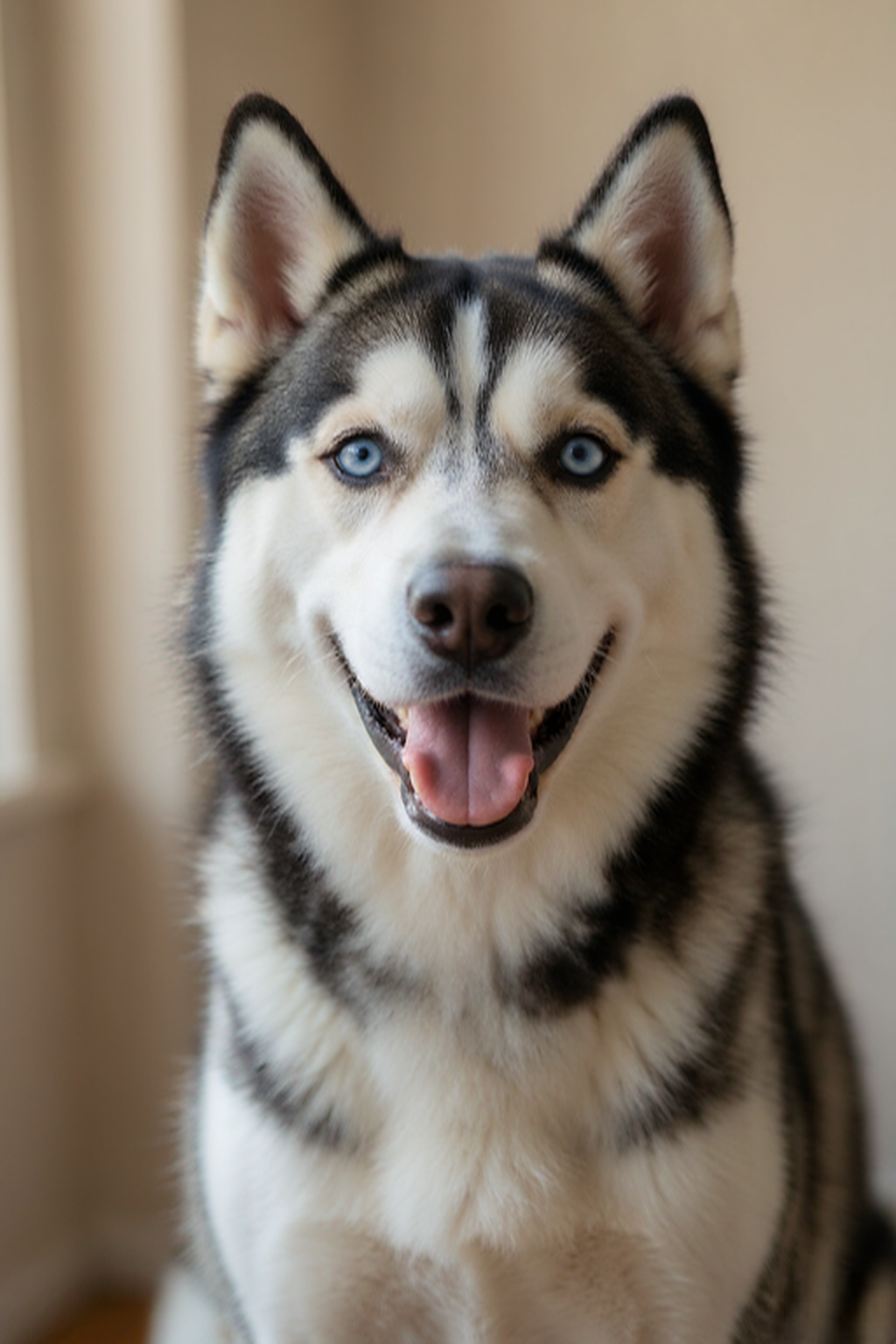
Clear & well-lit
Natural light makes your pet’s features easy to see.
Your favorite photo is the start of a portrait made just for your pet. Choose a style and create a keepsake to download.
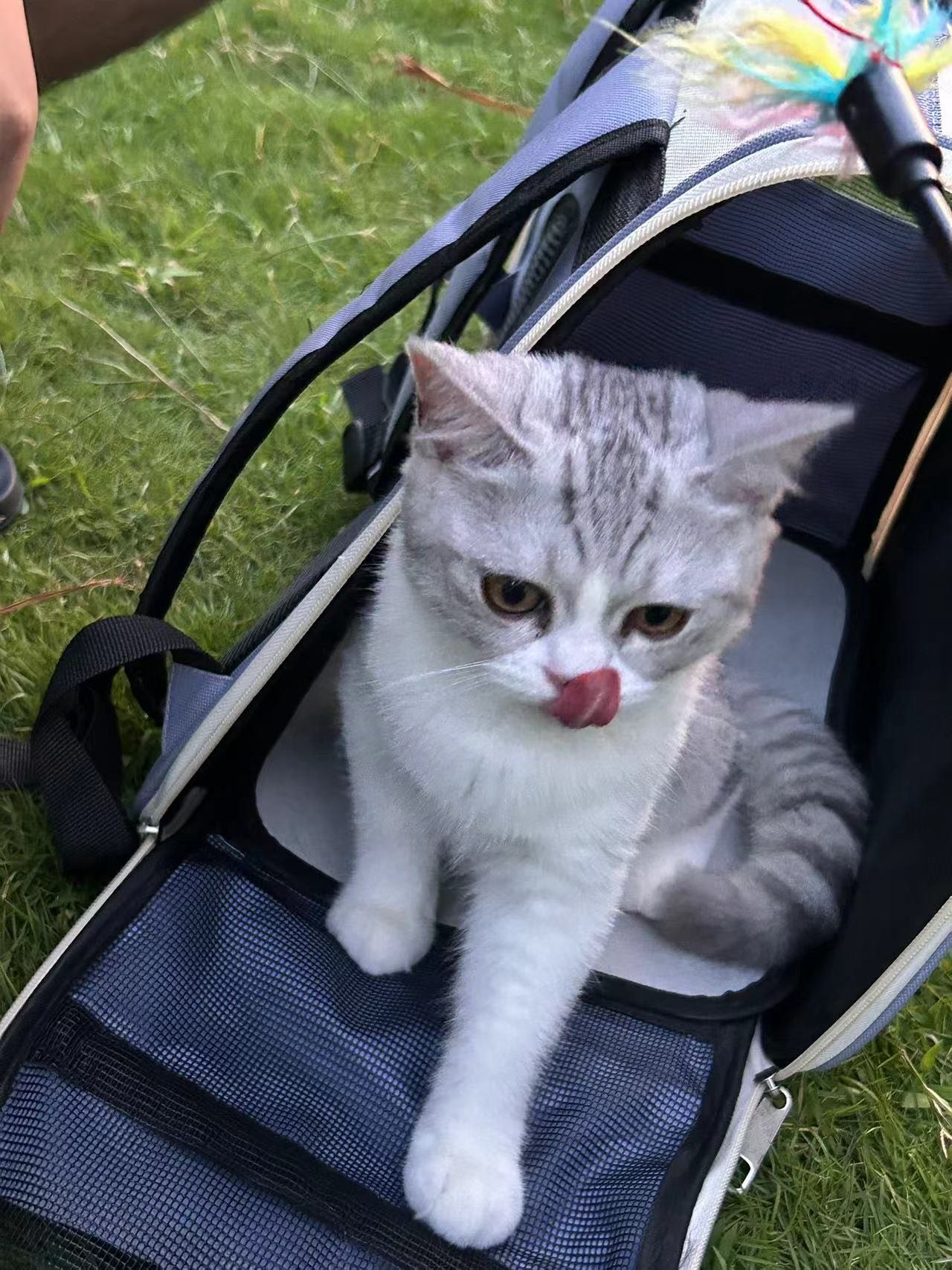
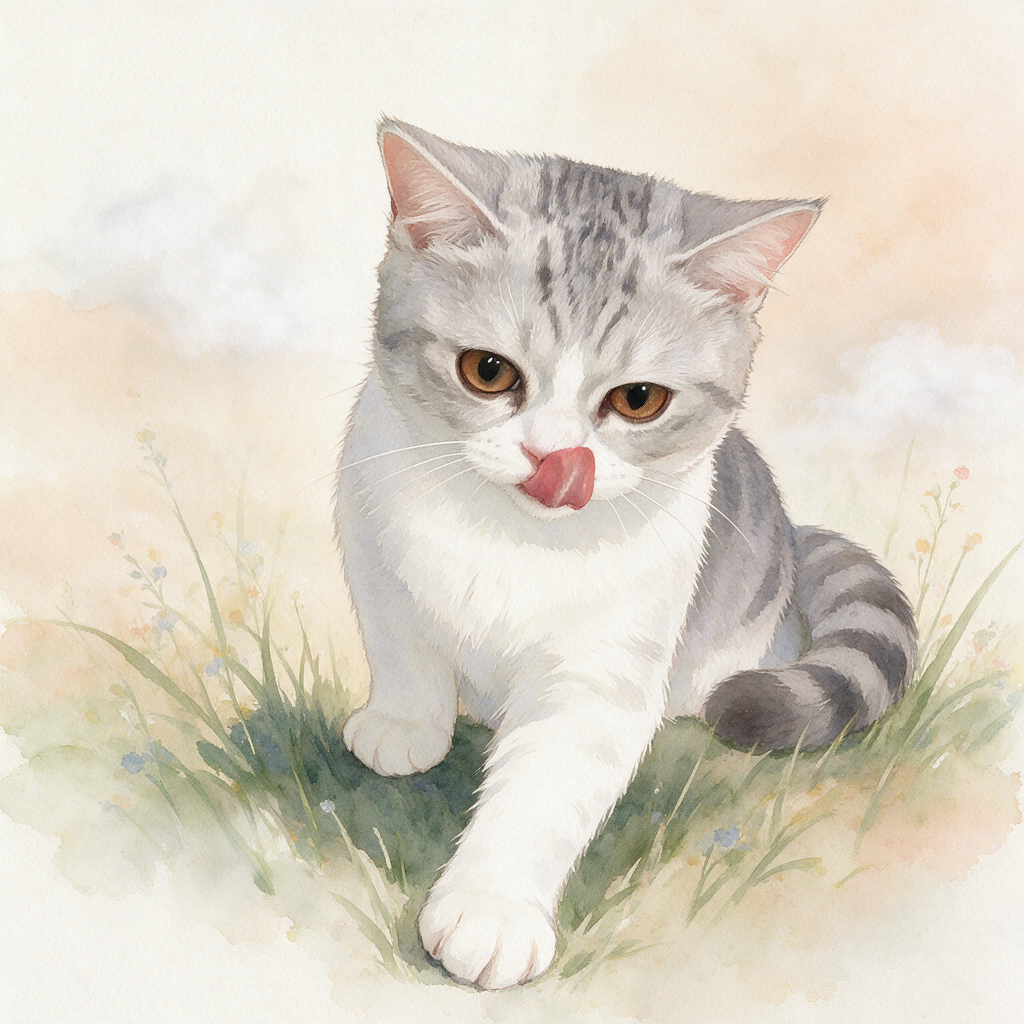
A few small details give your pet the best possible result.
Natural light makes your pet’s features easy to see.
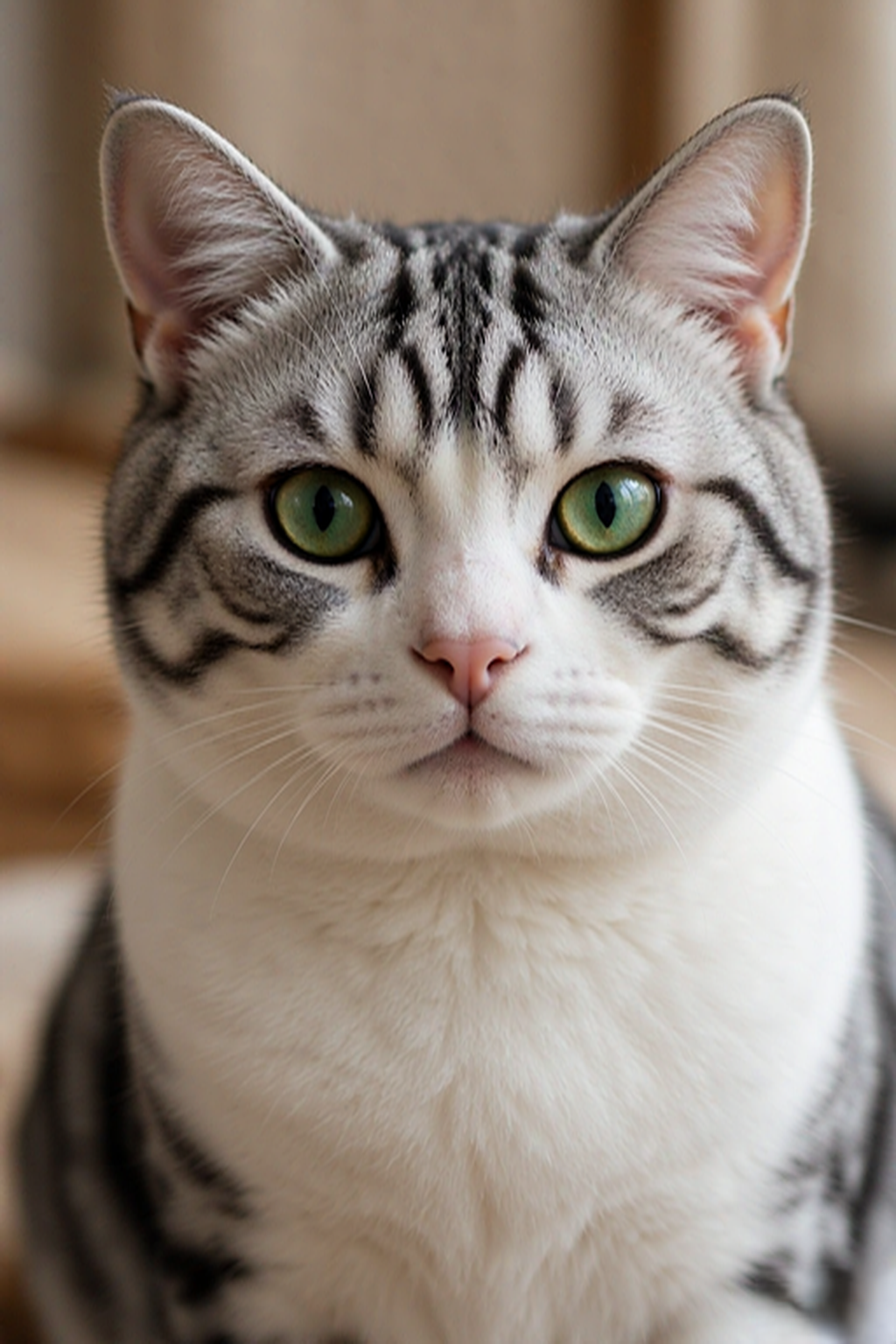
Let their head and shoulders fill most of the frame.
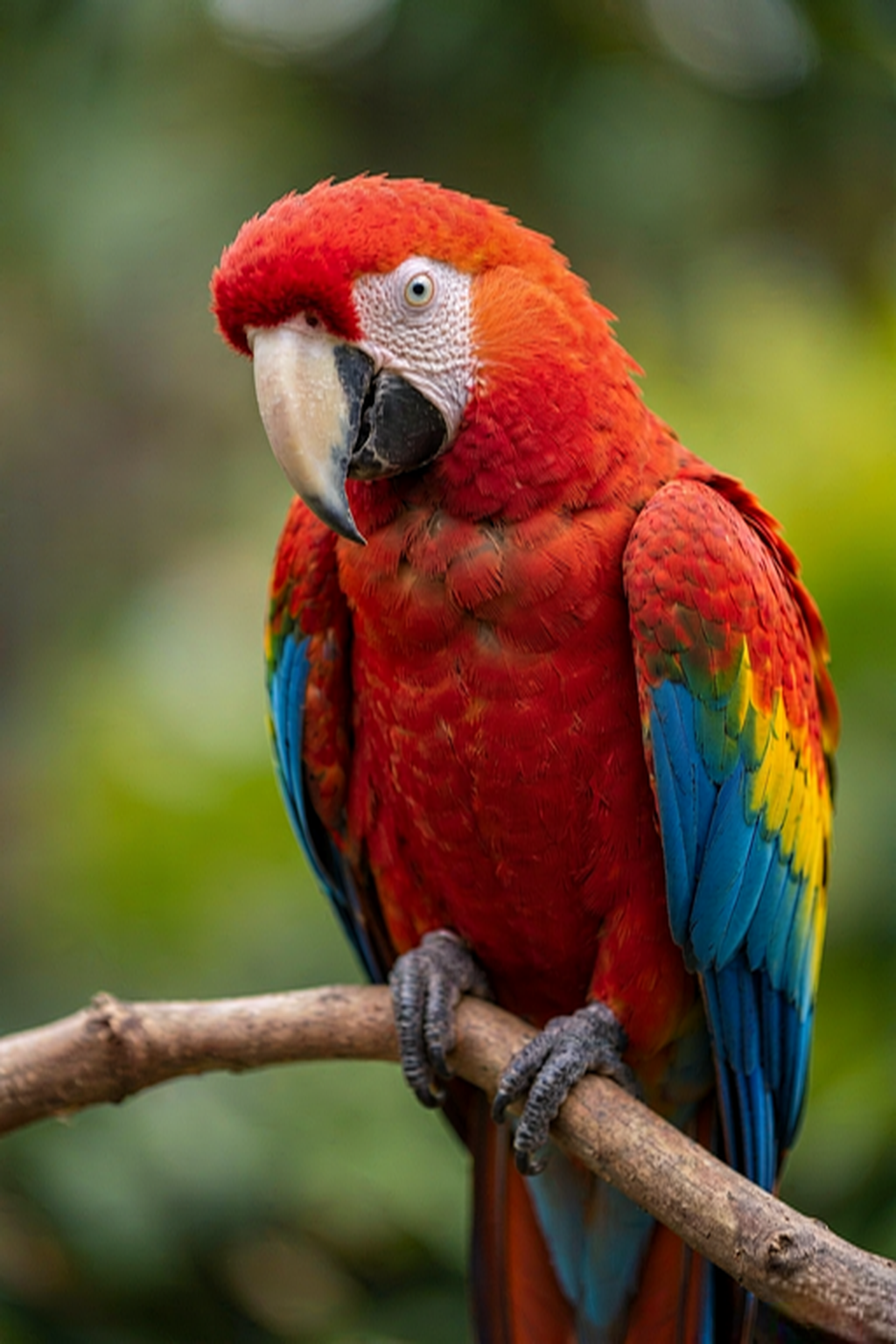
A photo looking toward the camera works beautifully.
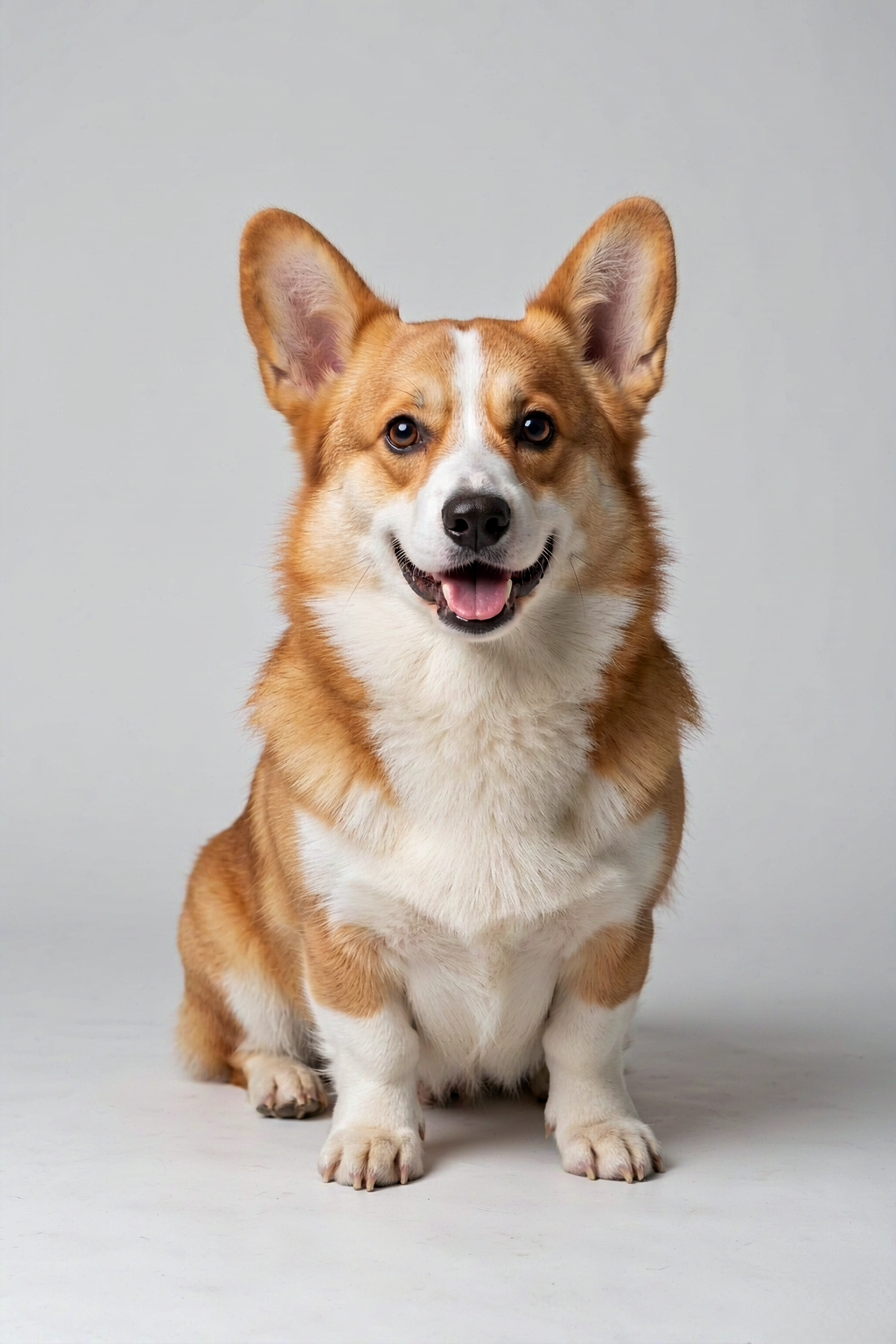
Less visual clutter gives us a clearer starting point.
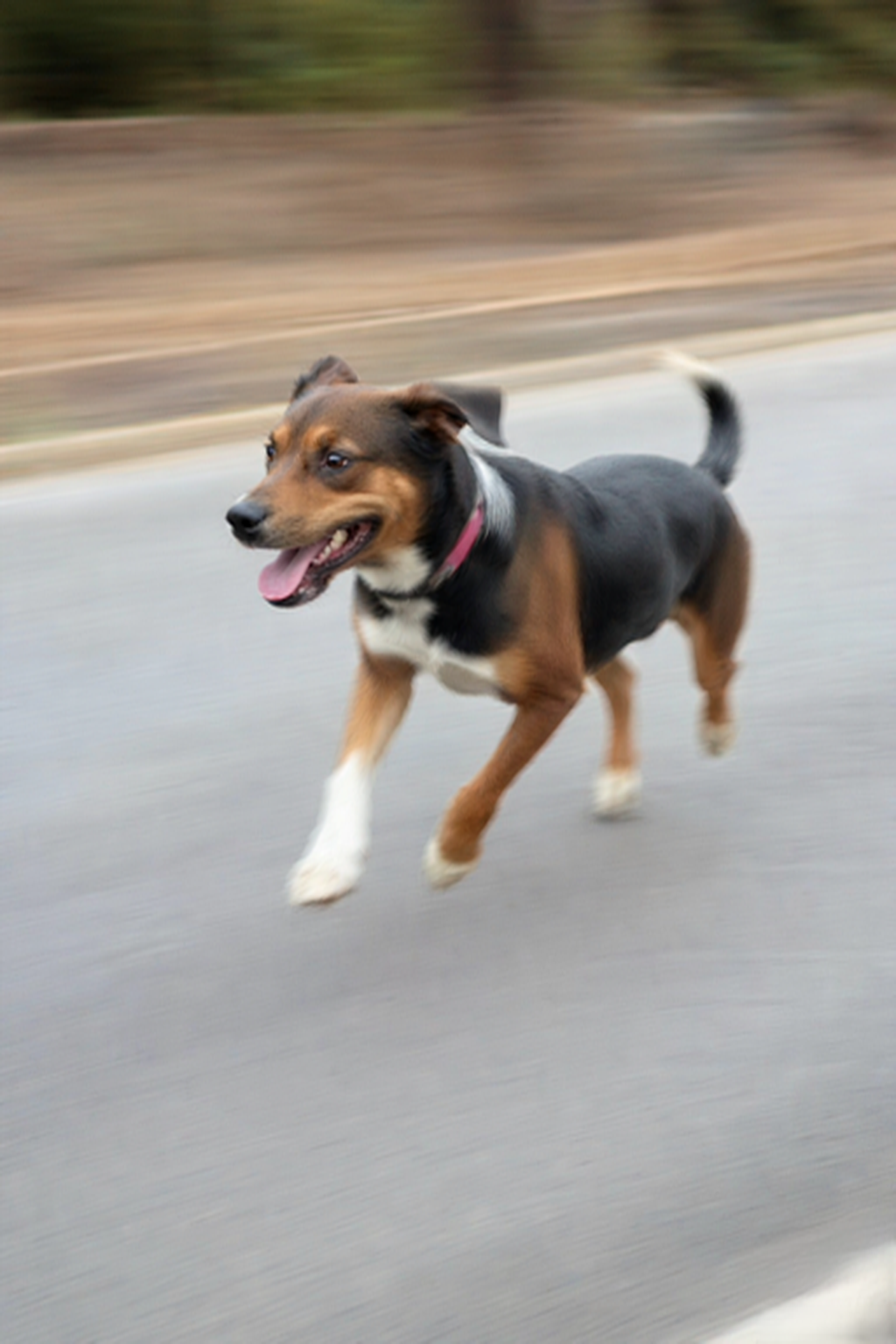
Moving pets can create fuzzy, unusable details.
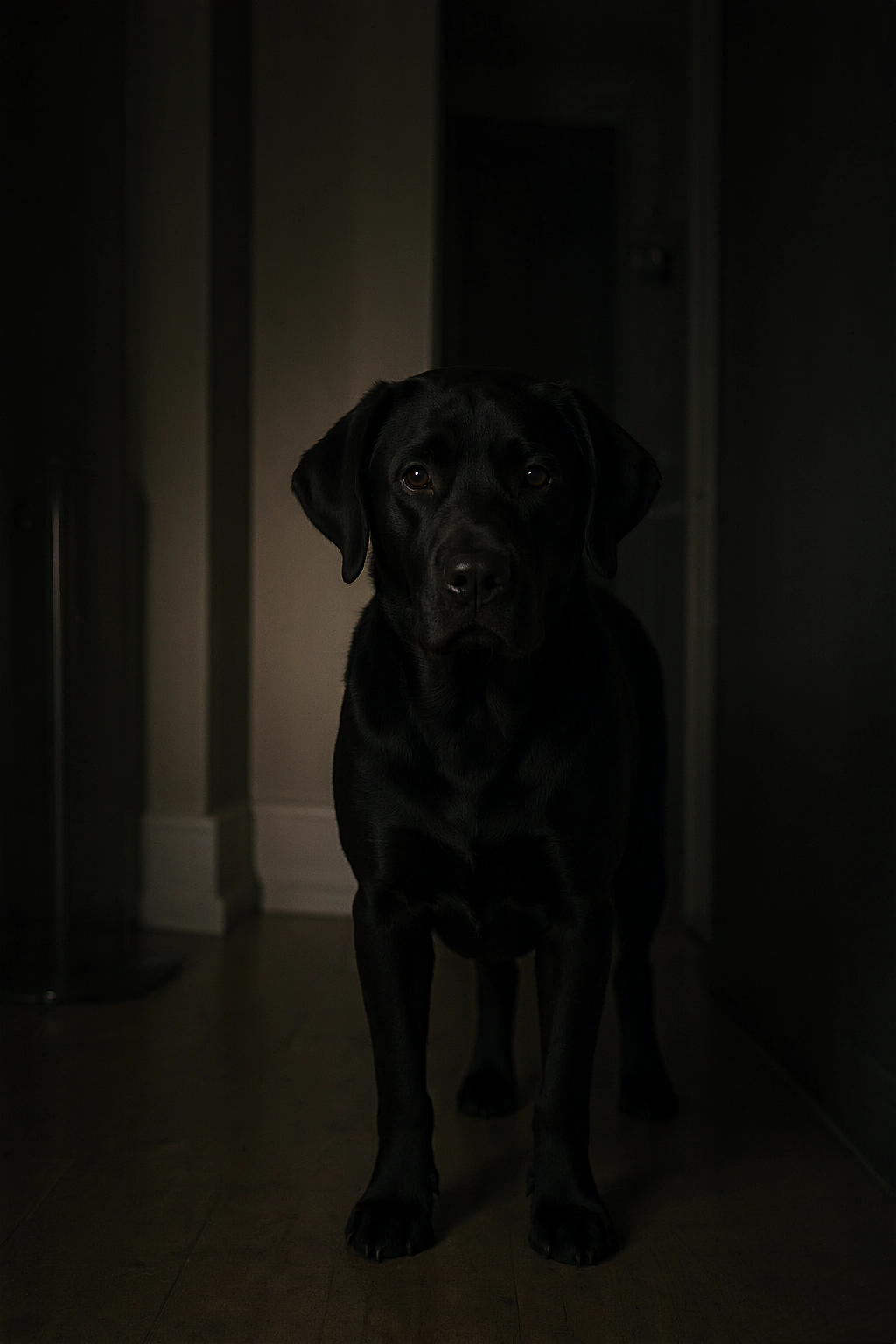
Low light makes it harder to see their features.
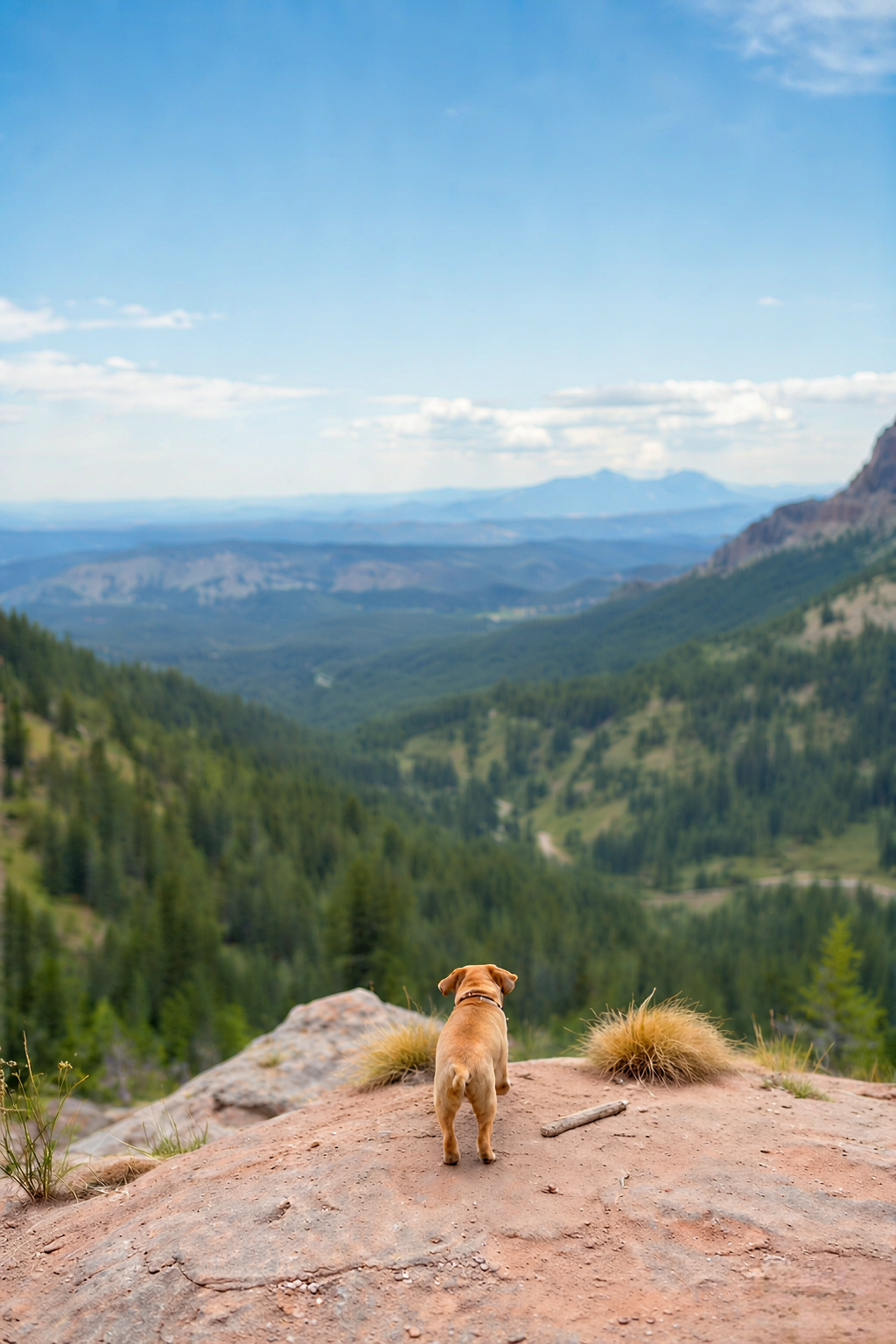
Your pet should be the focus, not the scenery.
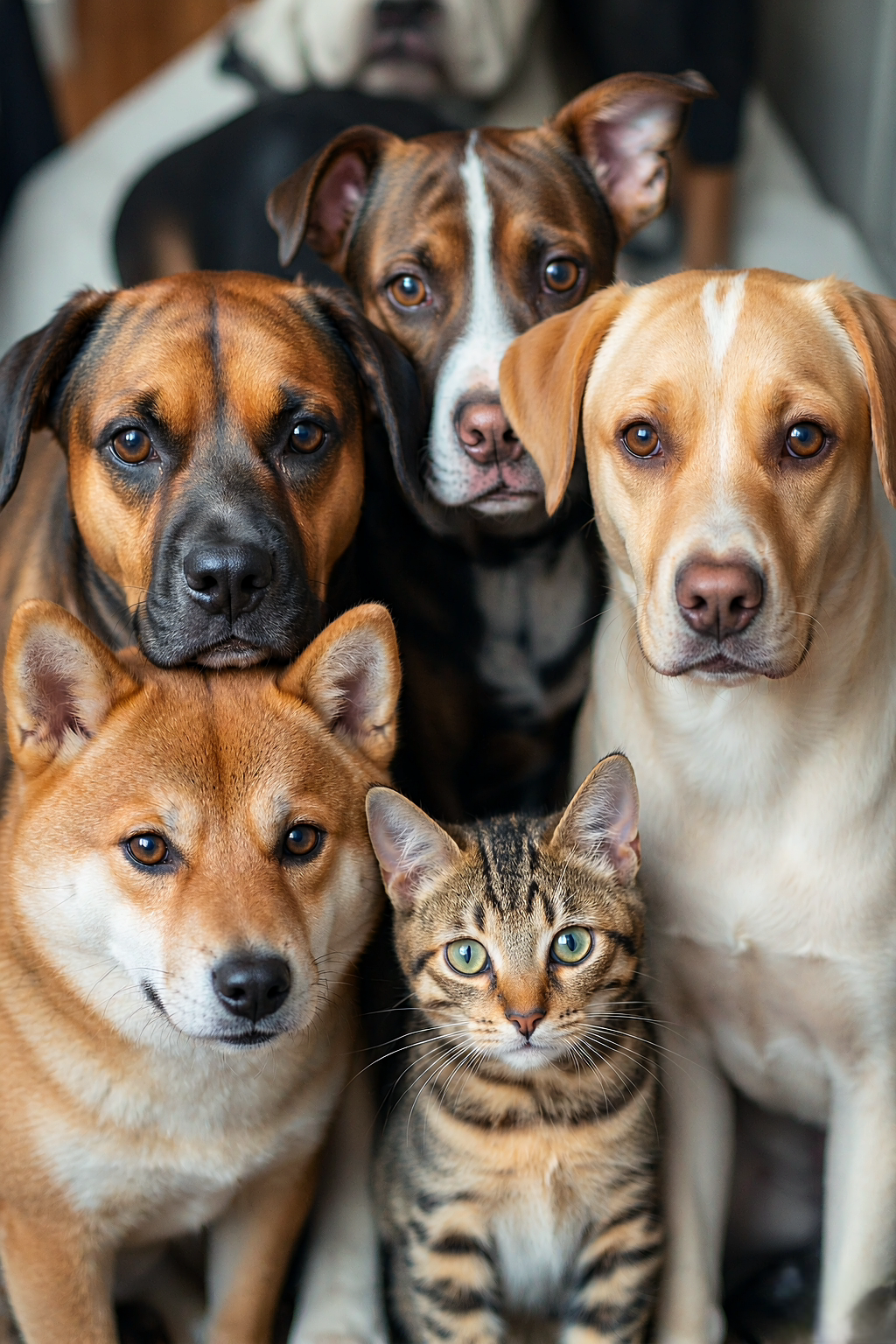
Upload one pet per photo for the best result.
The best pet portrait from photo is usually hiding in the camera roll already. Look for a frame where your pet is clearly the subject and their eyes, ears, and markings are easy to recognize. A posed studio image is not required. A sunny couch photo, a quiet garden moment, or the expression they make when they hear the treat bag can all be wonderful starting points. Choose the picture that carries a memory, then let the portrait style give it a new setting and finish.
For a reliable result, upload a JPG, PNG, or WebP that is under 12 MB. Keep one pet as the focus, use an image with reasonable light, and avoid motion blur when possible. A cluttered room or outdoor background is fine; the portrait process is made to centre the animal rather than copy every object around them. If you are choosing between two photos, favour the one with the clearer face over the one with the most dramatic scenery.
First, upload your original photo in the portrait maker. Second, choose a style that fits the memory: Watercolor for soft color, Oil painting for warmth and depth, Renaissance for a timeless feeling, Classic for a natural finish, General for a playful royal mood, or Astronaut for a lighthearted adventure. Third, create a free watermarked preview. Most previews are ready in about a minute, and the progress display continues to check if a generation takes longer. This is your chance to judge the actual pet portrait before you purchase anything.
When the preview feels right, choose a one-time download plan. The paid file is a watermark-free PNG of that exact preview image, not a different high-resolution regeneration. You can save it immediately, print it for personal use, or share it with someone who loves the pet. A single portrait costs $9.90, with multi-portrait and prepaid pass options available for customers who plan to make more. There are no subscriptions, automatic renewals, or hidden shipping charges because delivery is digital.
Get down near your pet’s eye level when you can; it creates a more connected portrait than a distant shot from above. Tap your phone screen to focus on the eyes and take several pictures when the pet is calm. For long-haired animals, window light can help define the outline; for dark coats, a lighter background can help preserve features. You do not need to crop aggressively, but leave enough room around the head and ears that the pose feels comfortable rather than cramped.
If a first preview is not the feeling you wanted, do not assume the photo is unusable. Try a different style or select another frame with a clearer expression. Every pet has a few looks that people who love them instantly recognize. Finding one of those is more valuable than chasing technical perfection. Keep the original image, compare it with the preview, and choose the version that still feels most like the companion in your everyday life.
Personal digital artwork, ready to keep, print, or share.
Choose a pet photo and an artistic style to create a watermarked preview. Pick a one-time plan to unlock a watermark-free download of that same image.
You receive a watermark-free digital PNG portrait, ready to save, share, or print. The paid download is the same composition you approved in the preview, not a second surprise generation.
Most previews are ready in about a minute. Occasionally the generation provider needs a little longer; the progress panel keeps checking automatically, and your portrait remains attached to your task.
Without signing in, you can make one watermarked preview every 24 hours. A signed-in free account can make up to three. Paid accounts follow their plan limits; One-Year and Lifetime passes include unlimited previews.
Yes. A clear JPG, PNG, or WebP taken on a phone works well. Choose a photo where your pet’s face is visible, in focus, and reasonably well lit.
Dogs and cats are a great fit, as are rabbits, birds, horses, and other companion animals. For the clearest result, upload one pet per image and keep their face as the main subject.
Yes. Your purchase is a digital PNG that you can save and print for personal use. Print quality also depends on the paper, printer, and size you choose, so use a reputable print service for larger keepsakes.
Your photo is used privately to prepare your portrait. Original uploads expire automatically, and you can contact support if you need help with a deletion request. Read the Privacy Policy for the full retention details.
If a preview or paid download fails, contact support and include your account email or task link. First-time paid orders may be refunded within 7 days when no completed watermark-free download has been made available.