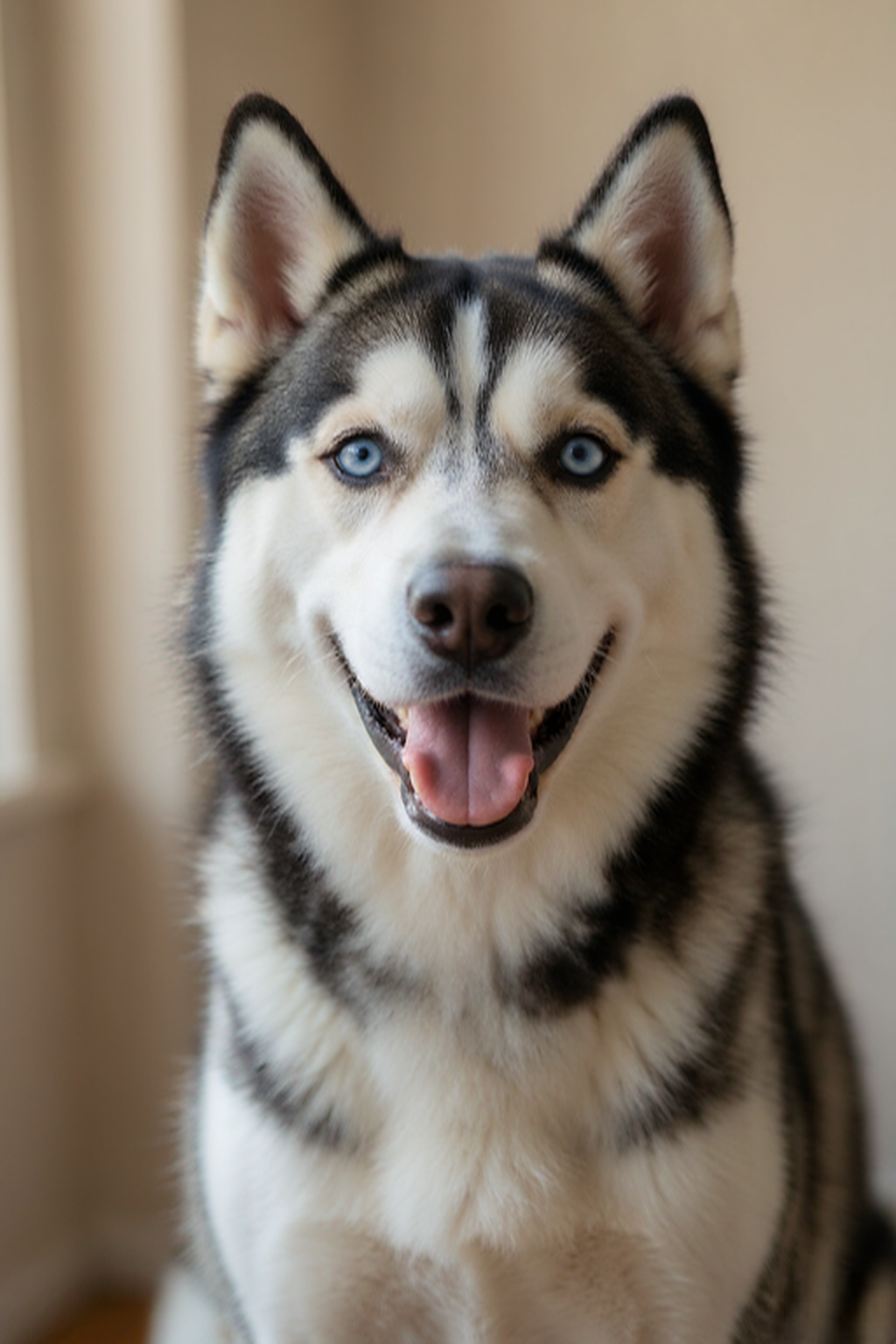
Clear & well-lit
Natural light makes your pet’s features easy to see.
Give a favorite pet photo an artistic new look with a personalized AI pet portrait.
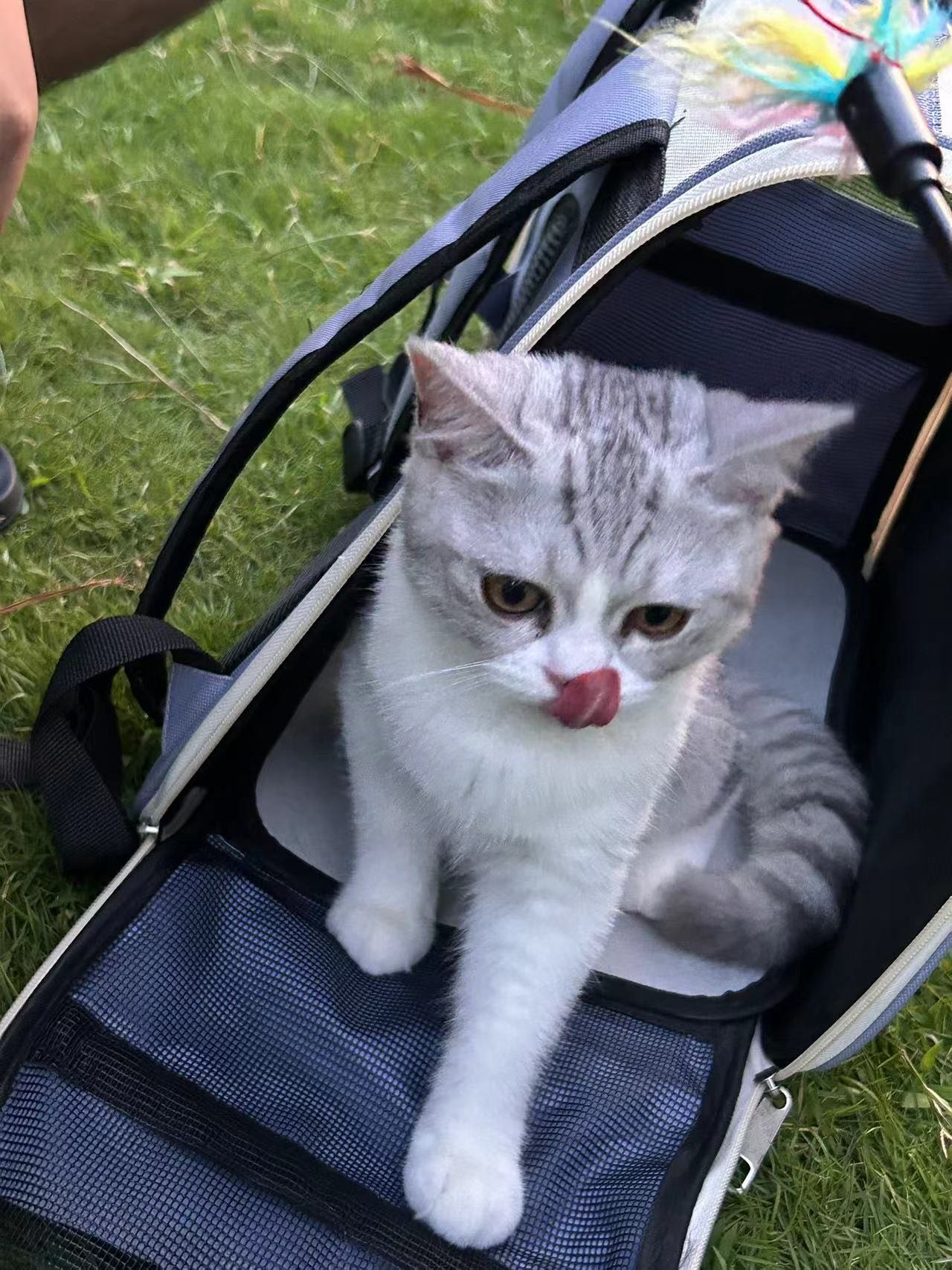
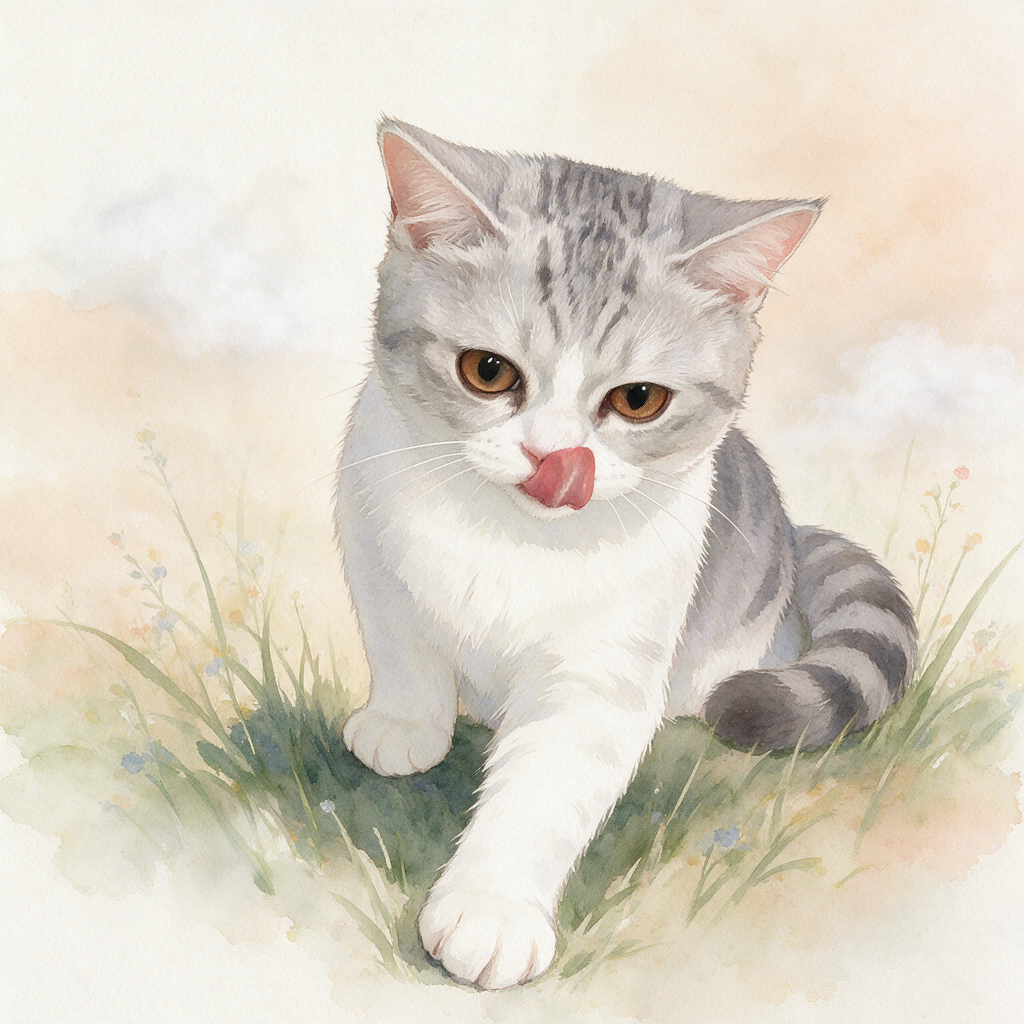
A few small details give your pet the best possible result.
Natural light makes your pet’s features easy to see.
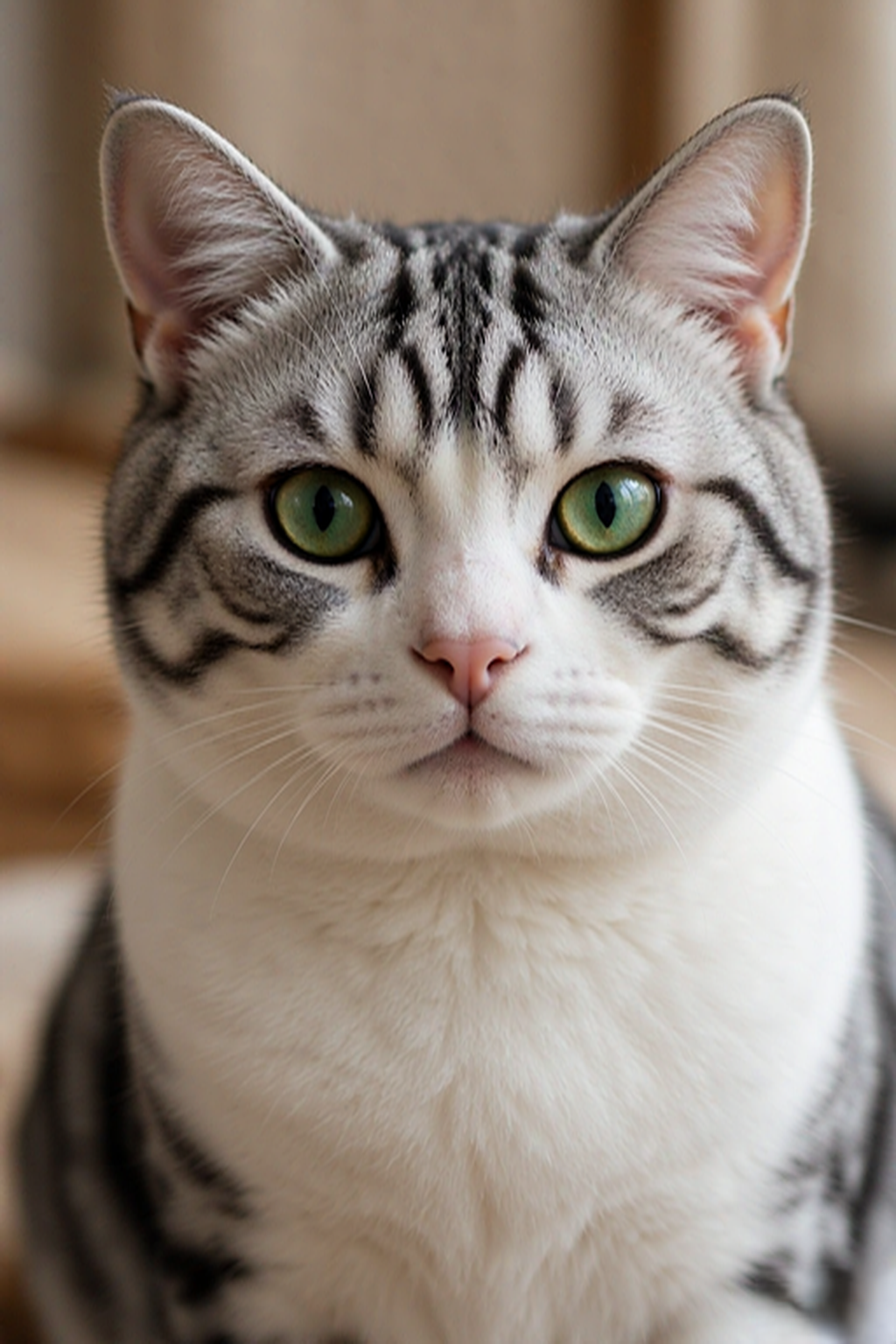
Let their head and shoulders fill most of the frame.
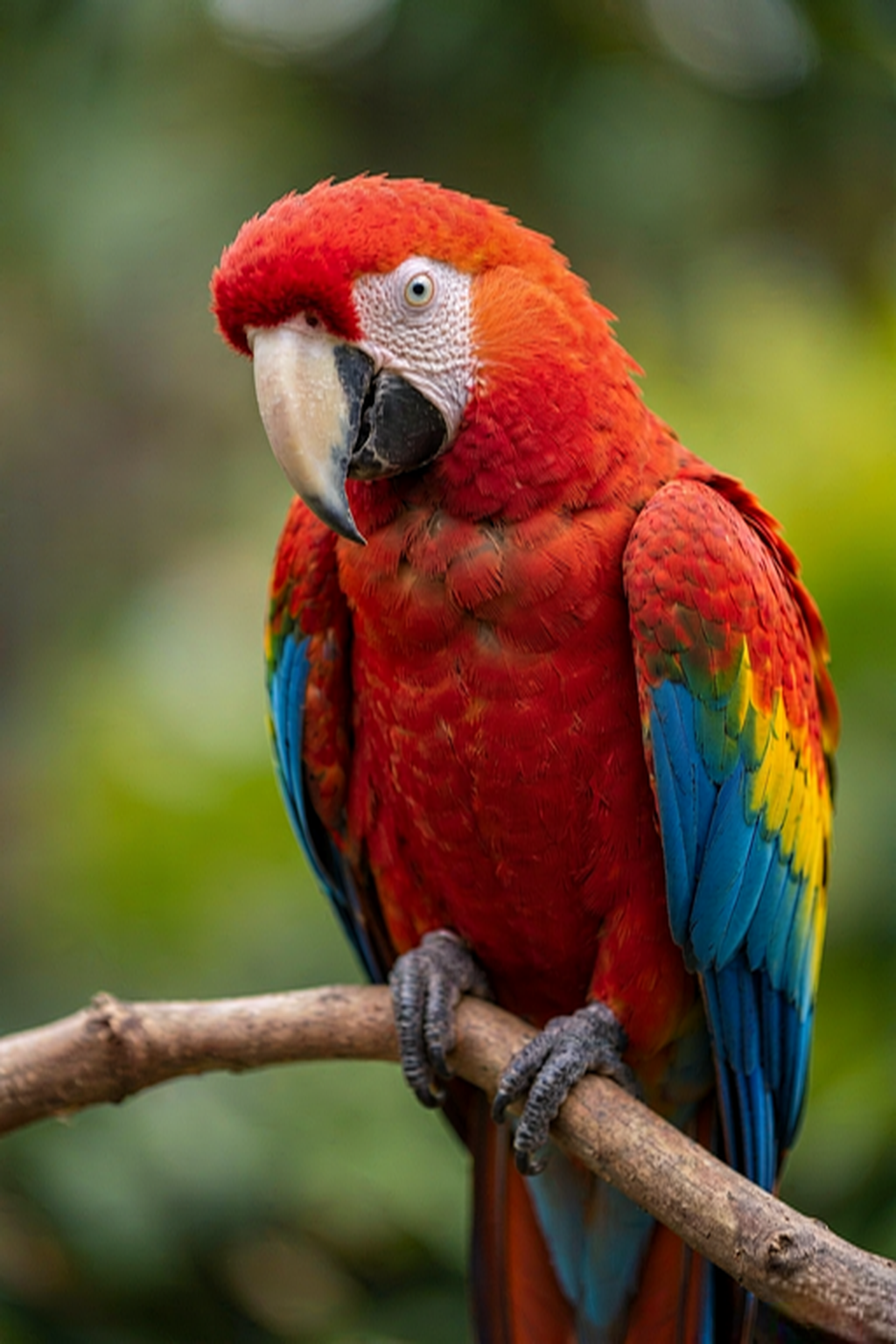
A photo looking toward the camera works beautifully.
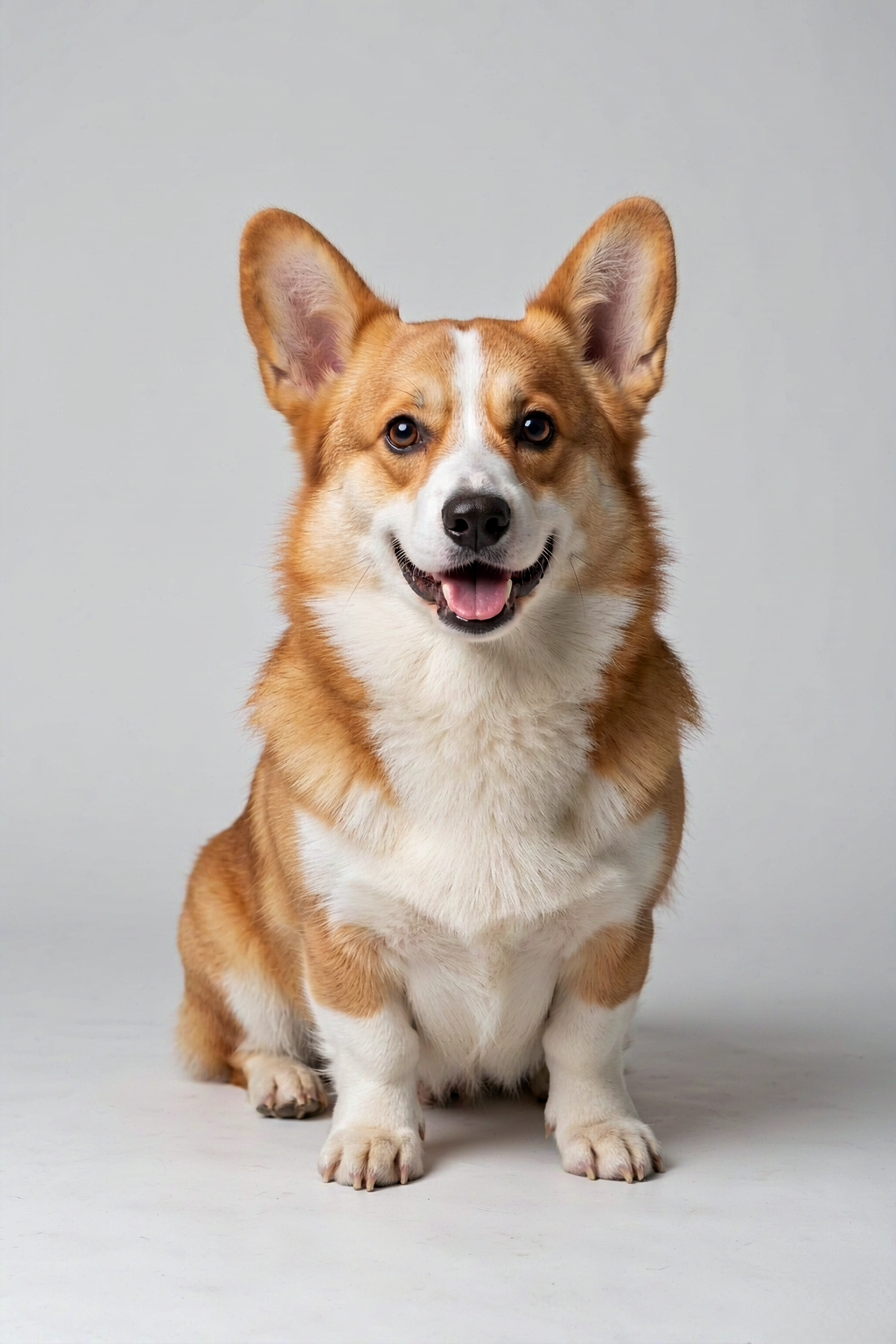
Less visual clutter gives us a clearer starting point.
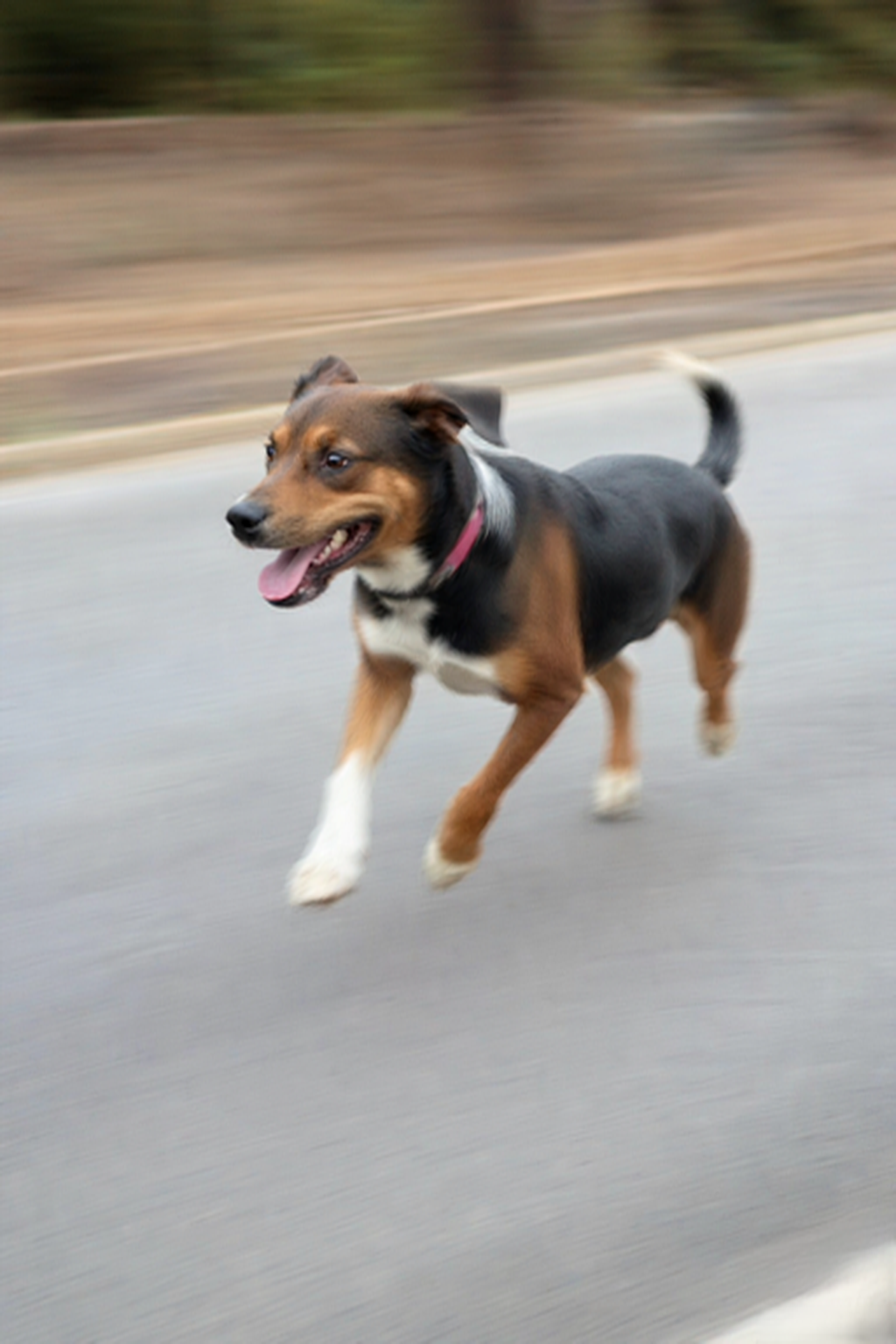
Moving pets can create fuzzy, unusable details.
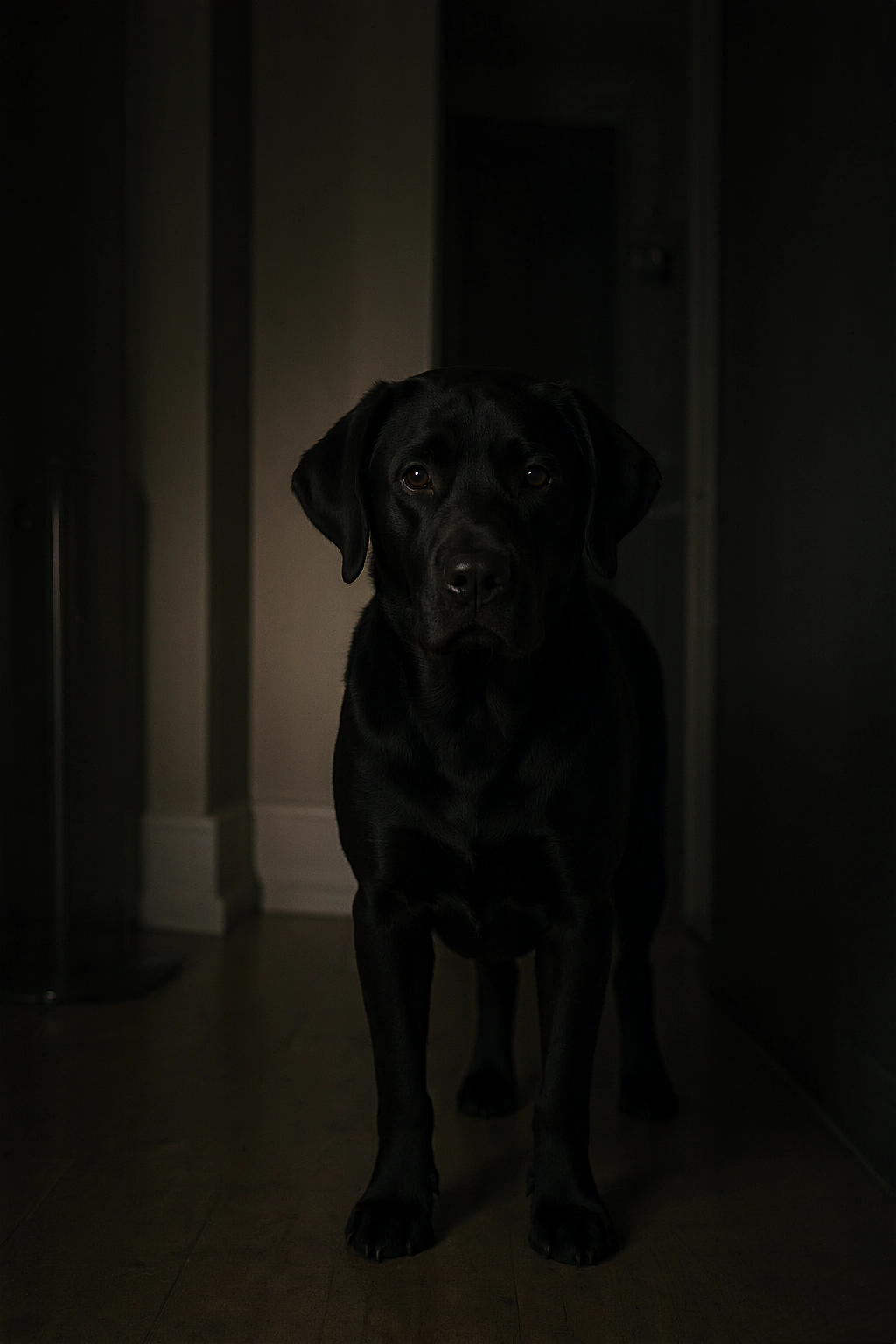
Low light makes it harder to see their features.
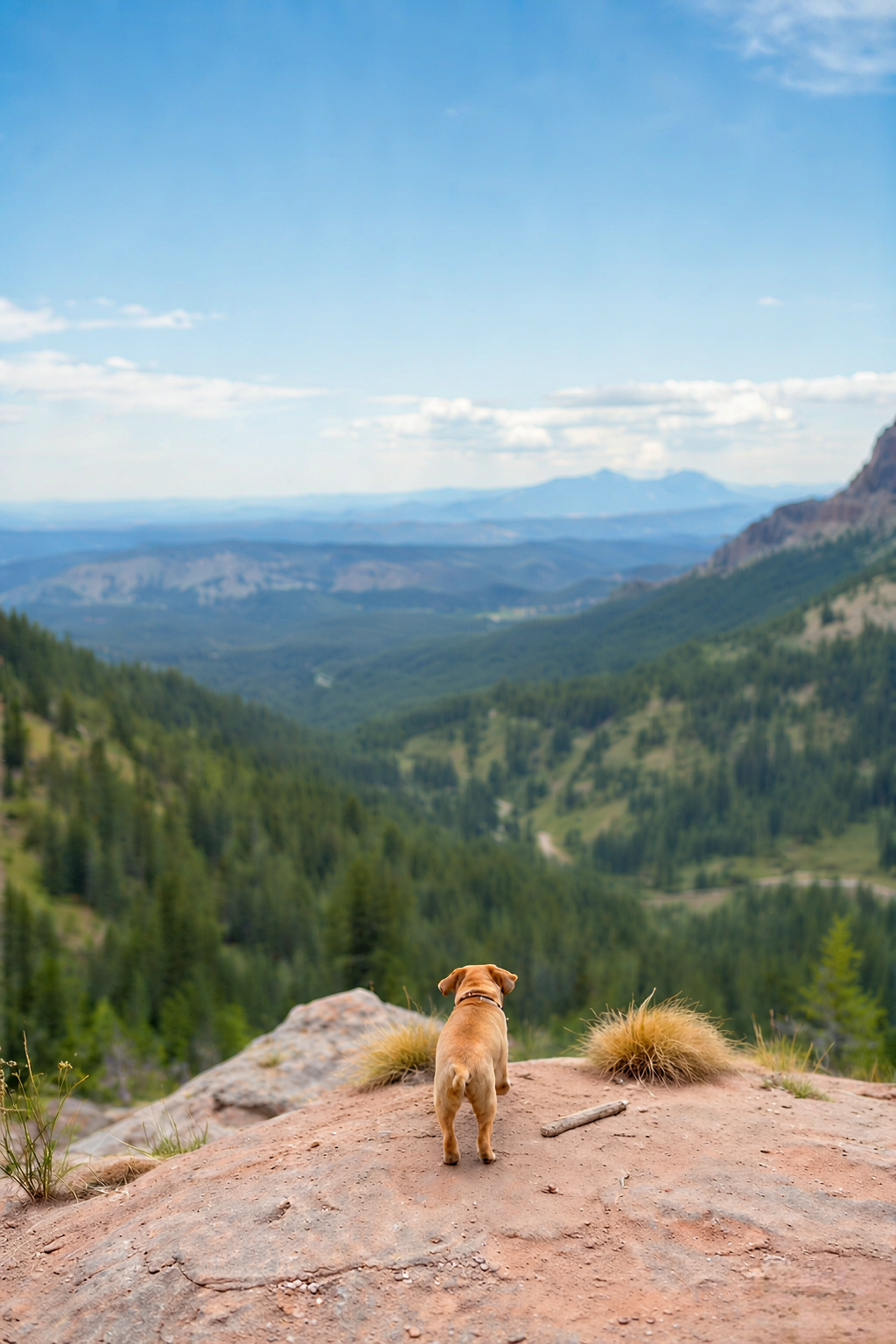
Your pet should be the focus, not the scenery.
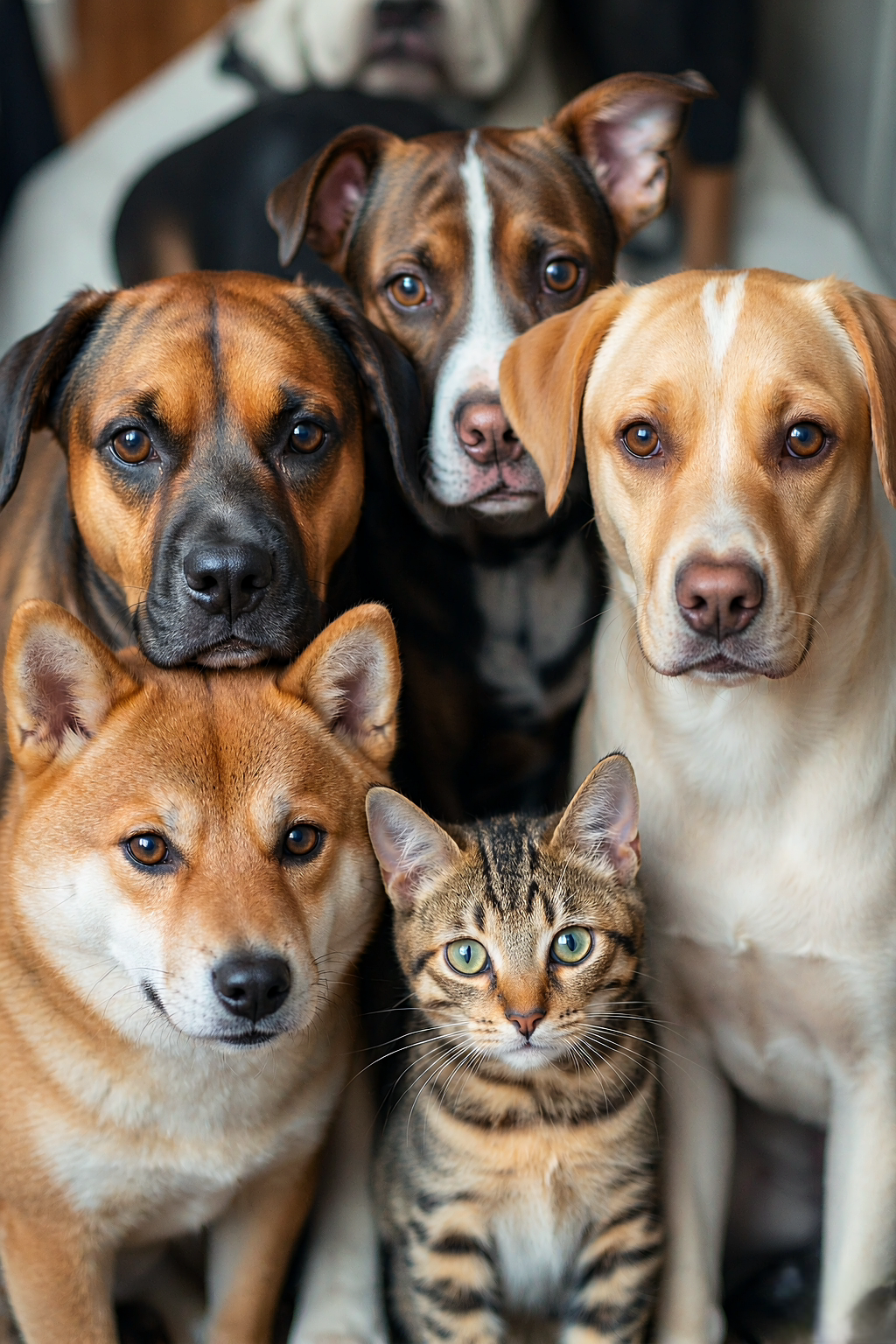
Upload one pet per photo for the best result.
An AI pet portrait uses your uploaded photo as the visual starting point for an artistic interpretation. You choose a style, upload one clear picture, and receive a watermarked preview so you can see the actual composition before spending anything. The process is designed around the details that make your pet recognisable: their face shape, coat pattern, eye color, ears, and expression. It is not a text-only character generator, so the quality of the source photo matters more than writing an elaborate description.
Most previews arrive in about a minute, although occasional processing delays can happen. Keep the page open while the progress panel checks the task, or return through your account if you need to step away. A clear photo with one pet as the main subject gives the best foundation. After you approve the preview, a one-time purchase unlocks the watermark-free version of that same image. There is no subscription, automatic renewal, or second surprise generation after checkout.
Use a JPG, PNG, or WebP image where the pet is reasonably close to the camera and the eyes are in focus. Natural daylight is helpful, but a well-lit indoor photo can work beautifully too. Do not worry about an untidy background; it is more important that the pet’s face and silhouette are clear. Avoid strong motion blur, very dark exposure, or group photos when you want a portrait of only one companion. These simple choices make it easier to preserve the individual markings that make a portrait feel like yours.
Choose your style after the photo is selected. Watercolor is soft and cheerful, Oil painting is warmer and richer, Renaissance has a classical atmosphere, and Classic keeps a natural, polished feel. General and Astronaut add a clear imaginative direction for people who want a more playful result. You can make a free preview to compare an idea before purchasing. That decision point is useful: it lets you choose based on the finished pet portrait, not a promise about what an automated process might create.
LilPortrait offers a lower-resolution preview with an on-screen watermark first. If you love it, choose a one-time plan to unlock the watermark-free PNG. A single portrait is $9.90 and a set of three is $19.90; prepaid One-Year and Lifetime access options are available for people who expect to create more keepsakes. Prices, plan terms, and delivery details appear before payment. The image you buy is the image you previewed, which helps avoid the uncertainty people often associate with automated image tools.
The finished file is for you to save, share, and print for personal use. It can become a framed print, phone wallpaper, card, or an easy gift delivered instantly by message. For questions about an uploaded image, a failed task, or a refund request, the site explains the process in its Help, Terms, and Privacy pages and provides a visible support contact. The aim is simple: use technology to make a familiar pet photo feel more like a keepsake, while keeping the purchase understandable.
Personal digital artwork, ready to keep, print, or share.
Choose a pet photo and an artistic style to create a watermarked preview. Pick a one-time plan to unlock a watermark-free download of that same image.
You receive a watermark-free digital PNG portrait, ready to save, share, or print. The paid download is the same composition you approved in the preview, not a second surprise generation.
Most previews are ready in about a minute. Occasionally the generation provider needs a little longer; the progress panel keeps checking automatically, and your portrait remains attached to your task.
Without signing in, you can make one watermarked preview every 24 hours. A signed-in free account can make up to three. Paid accounts follow their plan limits; One-Year and Lifetime passes include unlimited previews.
Yes. A clear JPG, PNG, or WebP taken on a phone works well. Choose a photo where your pet’s face is visible, in focus, and reasonably well lit.
Dogs and cats are a great fit, as are rabbits, birds, horses, and other companion animals. For the clearest result, upload one pet per image and keep their face as the main subject.
Yes. Your purchase is a digital PNG that you can save and print for personal use. Print quality also depends on the paper, printer, and size you choose, so use a reputable print service for larger keepsakes.
Your photo is used privately to prepare your portrait. Original uploads expire automatically, and you can contact support if you need help with a deletion request. Read the Privacy Policy for the full retention details.
If a preview or paid download fails, contact support and include your account email or task link. First-time paid orders may be refunded within 7 days when no completed watermark-free download has been made available.